CONTACT US
SEND INQUIRY NOWTemperature Adjustment

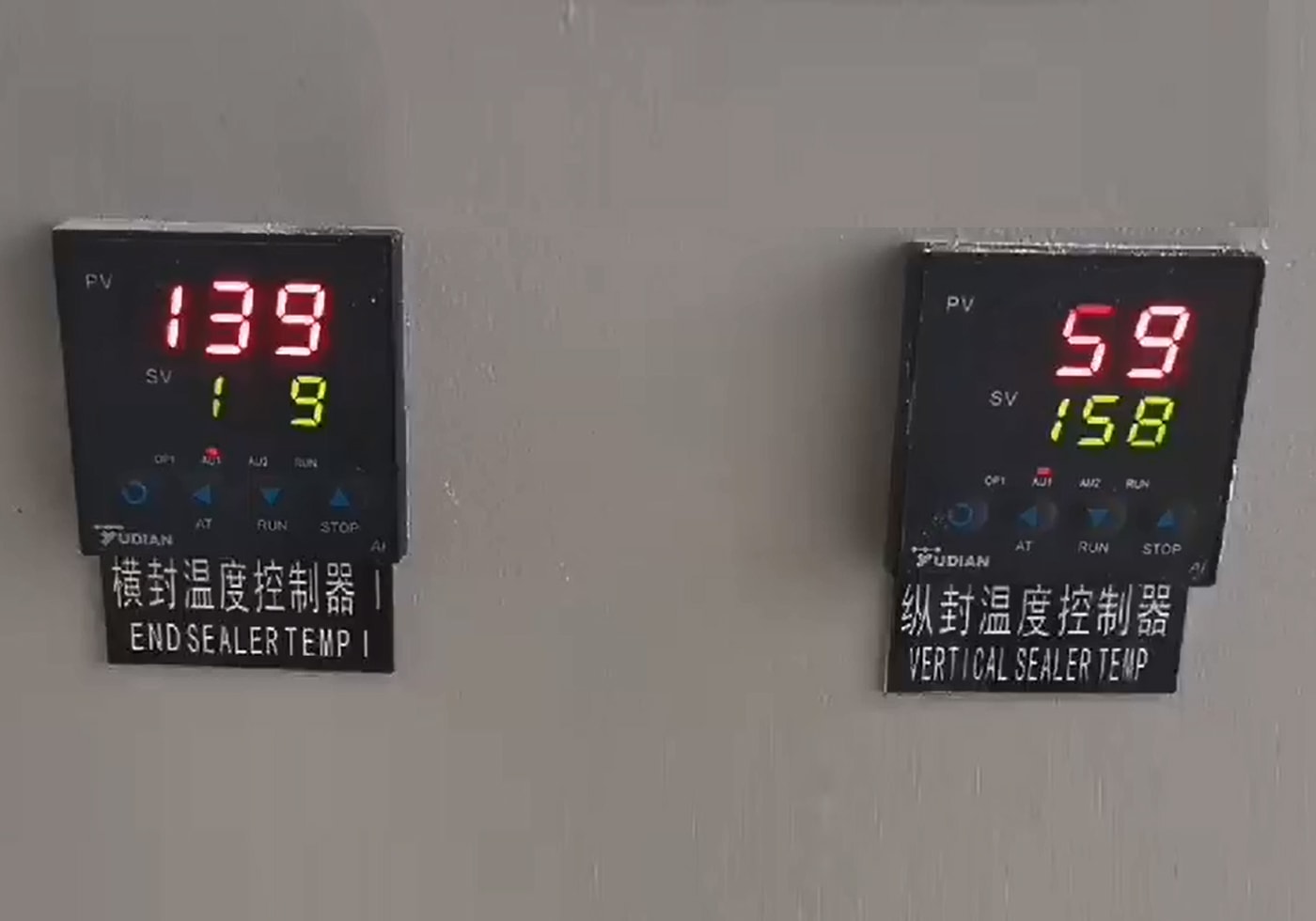
Temperature setting: click “∧” or ”∨” to go into the setting statement, the down screen shows ”SV”, which shows the actual value; the up screen shows “PV”, which shows the setting temperature; go on click “∧” or ”∨” to increase or decrease the setting temperature; if long press “∧” or ”∨”, the temperature will increase or decrease slowly, but after 10 point that it will increase or decrease quickly. After the temperature is set, press the button to confirm, or don't press any button, it will be confirmed automatically.
Temperature controller function setting: press ”<” will show OFF, press “∧” will change to ON, press comfirm to finish the setting, which needs 10-30 minutes.
Note: All the data setting of the machine are related to the machine’s actual packing speed; if the setting value not match its actual value, the bigger of the value, the slower of the speed, on the contrary, faster.
How to Adjust Packing Machine Temperature
Tel: +86-757-81859859
Phone: +86-18902413057
Email: sales001@songkepack.com
How to Adjust Packing Machine Temperature
- Temperature adjustment of temperature control meter of packaging machine
- Frequently asked questions of packaging machine temperature control meter
CONTACT US


Foshan Soonk Packaging Machine Co., Ltd.
We are always providing our customers with reliable products and considerate services.
If you would like to keep touch with us directly, please go to contact us
-

Home
-

Tel
-

Email
-

Contact
